
WhatsApp media cleaner
With Save to Photos turned on, WhatsApp copies every photo and video you receive into your camera roll, and from there into iCloud Photos. Clean Kit finds the WhatsApp media saved in your library so you can review it and delete it in bulk.
Download on the App Store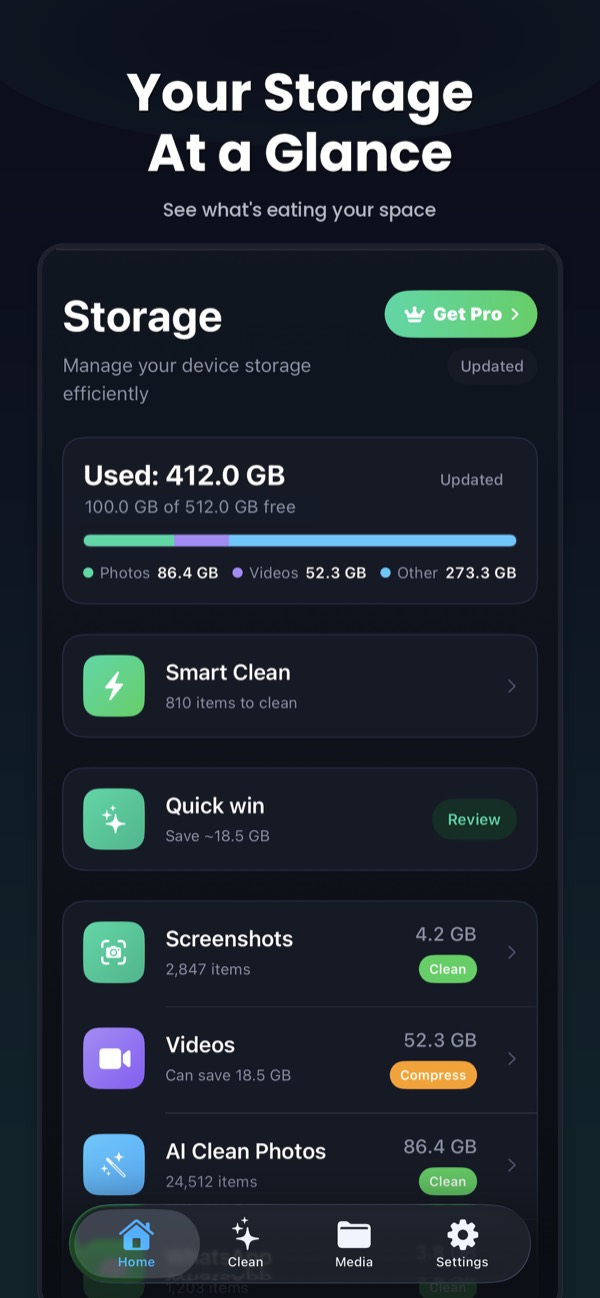
Why WhatsApp fills your library
Group chats bring a steady stream of memes, forwarded videos and photos. With Save to Photos on, each one is copied into your camera roll, mixed in with your own photos, and then uploaded to iCloud Photos too. The Photos app has no WhatsApp album, so they’re hard to find.
What Clean Kit does
Clean Kit’s WhatsApp cleaner finds photos and videos saved from WhatsApp in your library and groups them for review. Select what you don’t need and delete it in bulk. Everything goes to Recently Deleted first.
To clean media stored inside WhatsApp as well, follow our guide to deleting WhatsApp media on iPhone.
Frequently asked questions
Does deleting WhatsApp media from Photos delete it from my chats?
No. The copy in your Photos library is separate from the copy inside WhatsApp. Clean Kit cleans the copies in your Photos library.
How do I stop WhatsApp saving to my camera roll?
In WhatsApp, go to Settings → Chats and turn off Save to Photos.
More Clean Kit features
Smart Clean
Clean Kit's Smart Clean bundles duplicates, blurry photos and old screenshots into one recommendation, shows the space you'll free, and cleans in one tap.
Duplicate & similar photo finder
Find exact duplicates and near-identical photos on iPhone with on-device AI. Clean Kit keeps the sharpest shot in each group and sorts by space saved.
AI photo categories
Clean Kit sorts your iPhone photos into People, Travel, Food, Pets, Nature and more with on-device AI, so you can clean up your library one topic at a time.
Screenshot cleaner
Clean Kit groups your iPhone screenshots by age, so you can delete everything older than 30 days in one go and keep the recent ones you still need.
Video compressor
Compress large iPhone videos with HEVC at three quality levels and keep your memories in far less space. Clean Kit sorts videos by size and runs on-device.
Live Photo converter
Every Live Photo hides a short video. Clean Kit converts Live Photos to stills in bulk and keeps the original date, location and metadata.
Storage dashboard & report card
See total, used and free iPhone storage at a glance, with a breakdown of photos, videos, screenshots and Live Photos, plus a report card after every cleanup.
Widgets & Siri Shortcuts
Add Clean Kit storage and battery widgets to your Home Screen or Lock Screen, and ask Siri to check storage, scan for duplicates or start a Smart Clean.