
iPhone storage calculator
Enter roughly how many screenshots, similar photos and Live Photos you have, and how many minutes of video. The calculator estimates how much space you could free by deleting the clutter, converting Live Photos to stills and compressing videos to 1080p or 720p. It runs entirely in your browser.
How it's calculated
- Photos and screenshots: the number you'd delete × your average size.
- Live Photos: a Live Photo stores a short video next to the picture and is often around twice the size of a still. Converting it saves roughly one average photo's worth of space.
- Videos: minutes × the difference between the two per-minute sizes Apple lists in Settings → Camera → Record Video (with High Efficiency on). Real results depend on each video's content and bitrate.
Remember that deleted items stay in Recently Deleted for up to 30 days. Empty it to get the space back right away. For step-by-step help, start with iPhone storage full? How to free up space.
Get the exact number with Clean Kit
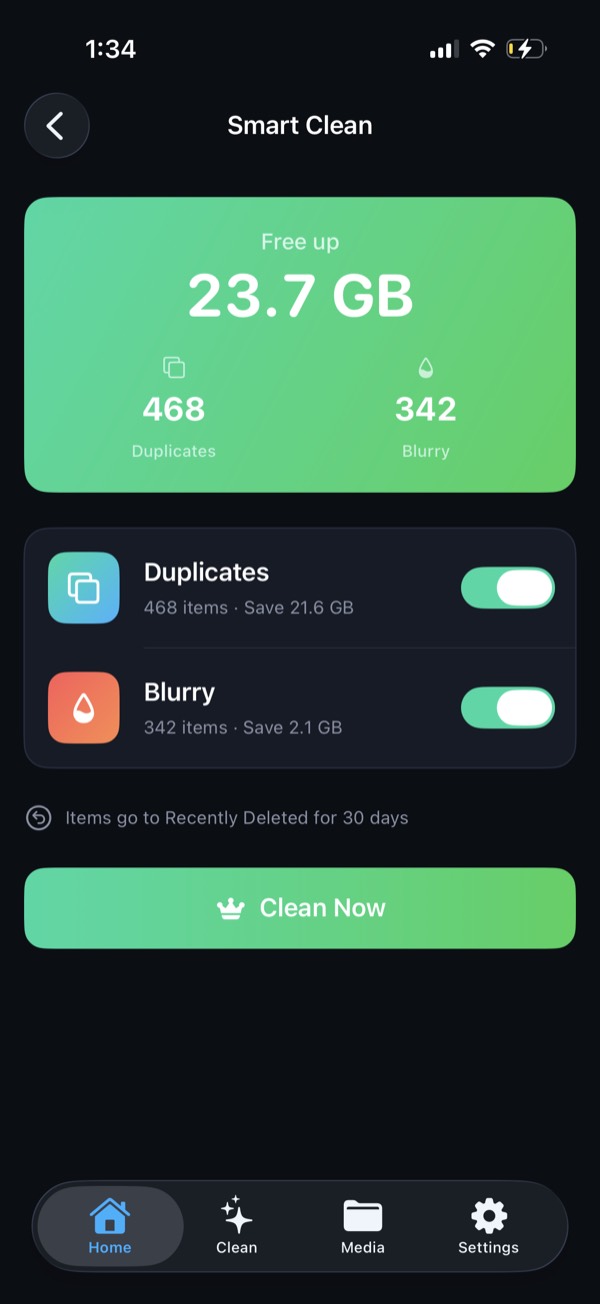
Clean Kit scans your real library on your device and shows exactly how much space duplicates, blurry photos, screenshots, Live Photos and videos are using, before you delete anything.
Download on the App StoreFree to download for iPhone and iPad. Everything runs on your device, and your photos are never uploaded.
Frequently asked questions
How accurate is this calculator?
It's an estimate. Video figures use the per-minute sizes Apple shows in Settings → Camera → Record Video. Photo and screenshot sizes depend on your iPhone model and settings, so you can change the averages to match your library.
How do I find my average photo size?
Go to Settings → General → iPhone Storage → Photos to see how much space your library uses, and check the photo and video counts at the bottom of the Library tab in Photos. Remember that videos are included in the Photos total.
Is anything I enter sent anywhere?
No. The calculator runs entirely in your browser. Nothing you type is stored or sent.