
How to delete duplicate photos on iPad
Open Photos on your iPad, show the sidebar, and tap Utilities → Duplicates. Tap Merge next to each set, or Select → Select All → Merge to merge them all. iPadOS keeps the best-quality copy and moves the rest to Recently Deleted. The Duplicates album needs iPadOS 16 or later and only finds copies of the same image, not similar shots.
Method 1: The built-in Duplicates album
- Open Photos.
- If the sidebar is hidden, tap the sidebar button in the top-left corner.
- Under Utilities, tap Duplicates.
- Tap Merge next to a set, or tap Select → Select All → Merge to clear everything at once.
- Open Utilities → Recently Deleted and delete the merged copies to free the space right away.
Merging keeps the highest-quality version and combines details like captions, keywords and favorites into it.
Do it once, on one device
If you use iCloud Photos, your iPad and iPhone share a library. Clean up duplicates on whichever device is easier, often the iPad because of the bigger screen, and the changes sync everywhere.
What the Duplicates album misses
Like on iPhone, the album only finds copies of the same image. It doesn’t group similar shots, bursts or blurry photos, which usually take far more space. For those, see how to delete blurry and similar photos. The steps are the same on iPad.
Clean Kit works on iPad too
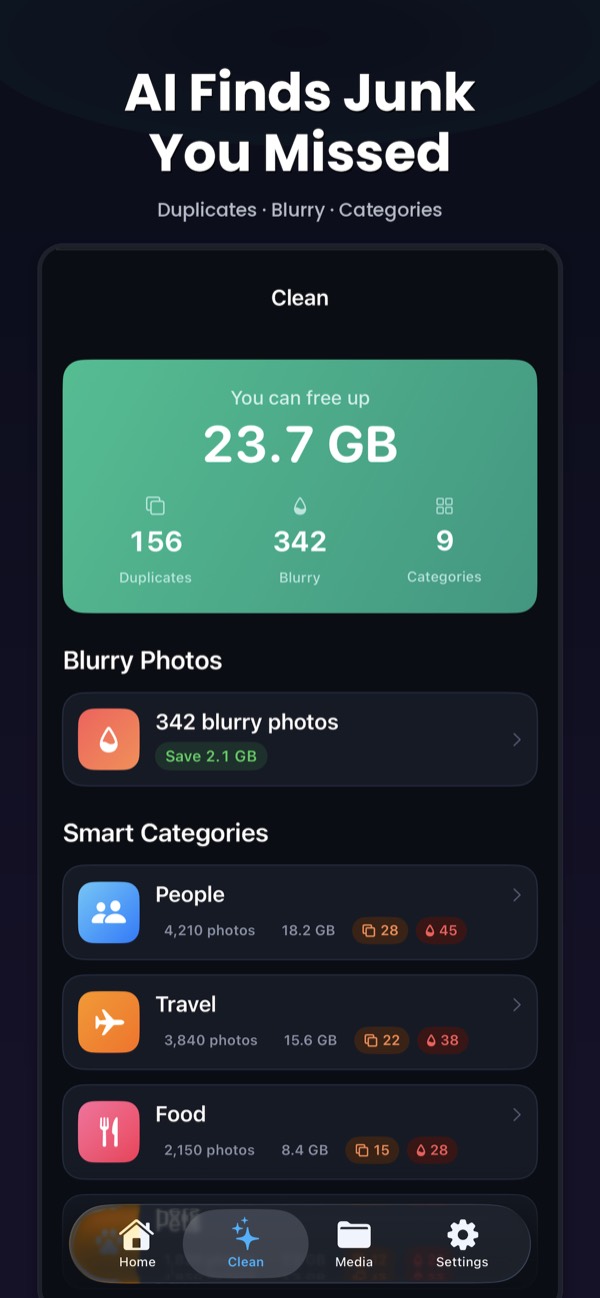
Clean Kit is a universal app with a layout designed for iPad. It finds exact and near-duplicate photos, blurry shots and large videos on your device, and picks the best photo in every group for you.
Download on the App StoreFree to download for iPhone and iPad. Everything runs on your device, and your photos are never uploaded.
Frequently asked questions
If I delete duplicates on my iPad, are they deleted on my iPhone?
Yes, if iCloud Photos is on for both devices. They share one library, so merging or deleting on one device changes it everywhere.
Why is there no Duplicates album on my iPad?
It needs iPadOS 16 or later and only appears when duplicates are found. After a large import, iPadOS analyzes photos in the background, mostly while the iPad is locked and charging, so leave it overnight and check again.