Home › Guides
iPhone storage guides
Running out of space on your iPhone? These guides walk you through the built-in iOS way to fix each problem step by step, and show where Clean Kit can save you time.
IPhone storage full? How to free up space fastSee what is using your space, then clear photos, videos, Messages and apps step by step.
How to delete duplicate photos on iPhoneUse the built-in Duplicates album, then catch the similar shots iOS misses.
How to delete all screenshots on iPhone at onceFind the Screenshots album and select hundreds at once with a swipe.
How to compress videos on iPhone and save storageShrink large videos you want to keep, and record smaller ones from now on.
How to convert Live Photos to still photos on iPhoneRemove the hidden video from Live Photos and turn Live off for good.
How to delete WhatsApp media on iPhone and free up spaceClear media inside WhatsApp and the copies saved to your camera roll.
Free up space in one tap
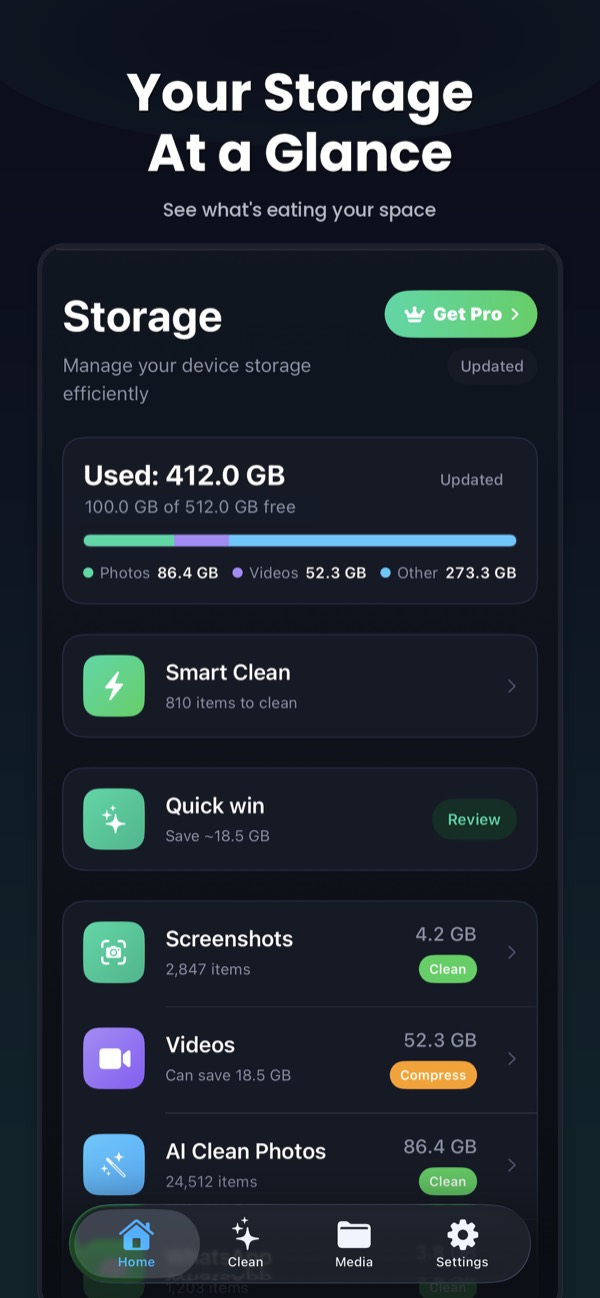
Clean Kit scans your photo library on-device and finds duplicates, blurry photos, old screenshots, Live Photos and large videos. Then it helps you clean them up safely.
Download on the App StoreFree to download for iPhone and iPad. Everything runs on your device, and your photos are never uploaded.